
A playlist URL in IPTV is a web address that directs your IPTV application to a specific list of streaming channels. This URL is essential as it enables users to access a curated selection of live TV channels, on-demand content, and media streams directly on their devices. Understanding how to use and manage these URLs can dramatically enhance your IPTV viewing experience.
Imagine having all your favourite TV channels, movies, and shows just a click away. With IPTV services like Primo, you can do exactly that, offering both convenience and a tailored entertainment experience. Let's dive into what playlist URLs are and how they work in IPTV.
Key takeaways
- A playlist URL in IPTV is a link to a list of streaming channels and content.
- Playlist URLs are crucial for accessing specific IPTV content on your device.
- Entering a playlist URL is straightforward and can enhance your viewing options.
- Primo offers a free trial to explore the benefits of IPTV with playlist URLs.
1. What is an IPTV Playlist URL?
An IPTV playlist URL is a digital address that points your streaming application to a list of video streams. These URLs are usually provided by your IPTV service provider and consist of a comprehensive collection of channels that can be live-streamed or accessed on-demand. The URL format typically ends in .m3u or .m3u8.
Using a playlist URL connects your IPTV application to a vast array of content without the need for a traditional cable or satellite service. This flexibility is what makes IPTV a popular choice for many viewers looking to customise their viewing experience. The ability to easily switch between channels and access a wide variety of content is a major advantage over traditional broadcasting methods, making it a preferred choice for tech-savvy users.
Moreover, IPTV playlist URLs are not only beneficial for individual users but also for businesses and hospitality services. Hotels, for instance, can use these URLs to provide guests with a personalised entertainment experience without the need for extensive infrastructure. This adaptability makes playlist URLs an essential component in the modern digital landscape.

2. How Playlist URLs Work with IPTV
Playlist URLs are integral to how IPTV services deliver content to users. When you enter a playlist URL into an IPTV application, the app uses this URL to fetch the list of available channels or streams. This process enables you to access a wide variety of content with just one link.
The efficiency of playlist URLs lies in their simplicity. By using a single URL, you can access multiple channels, movies, and shows. This reduces the hassle of managing multiple subscriptions or inputs, providing an all-in-one solution for your entertainment needs. Moreover, your provider maintains the playlist on their end, so channels they add or change appear the next time your app reloads the list.
Additionally, playlist URLs enable seamless integration with various devices, such as smart TVs, smartphones, and tablets. This cross-platform compatibility ensures that users can enjoy their favourite content regardless of the device they are using. The ability to switch between devices without losing access to your playlist is a significant advantage, making IPTV an attractive option for those who value convenience and flexibility.
3. Entering a Playlist URL on Your Device
Adding a playlist URL to your IPTV service is a straightforward process. Here’s how you can do it:
- Open your IPTV application or device.
- Navigate to the settings or configuration menu.
- Look for the option to add a new playlist or URL.
- Enter the provided playlist URL into the designated field.
- Save the changes and refresh your IPTV application.
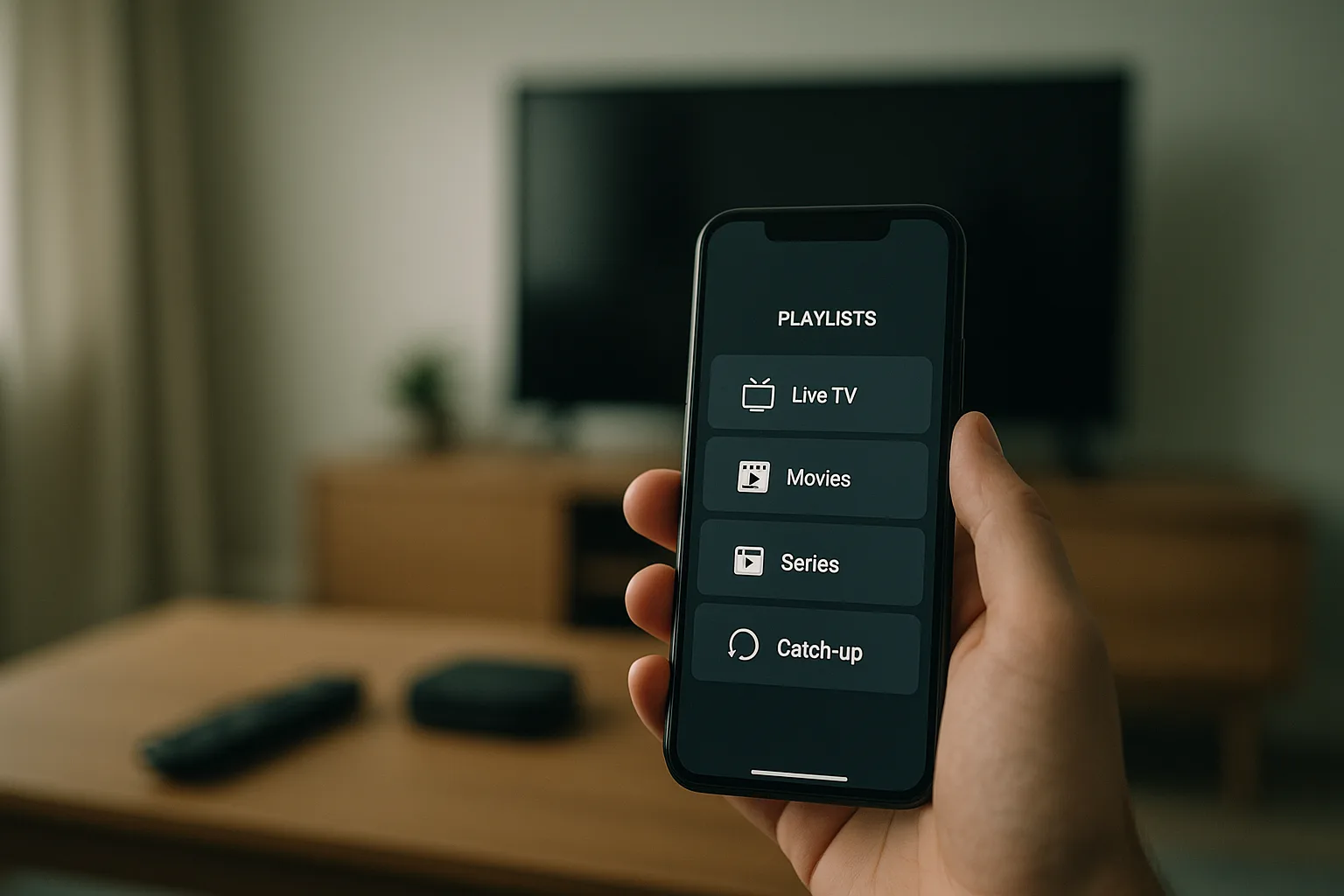
Once you've entered the URL, your app will connect to the playlist, and the channels will be accessible from your device’s interface. This process is designed to be user-friendly, requiring no technical expertise, which is one of the reasons IPTV has gained popularity among users of all ages. The intuitive nature of most IPTV applications means that even those who are not tech-savvy can easily set up and enjoy their playlists.
Furthermore, many IPTV applications offer additional features, such as the ability to customise the interface or organise channels into categories. These features enhance the user experience, allowing individuals to tailor their viewing experience to their preferences. Whether you prefer to have your channels sorted by genre, language, or region, IPTV applications provide the flexibility to organise your content in a way that suits you best.
4. Benefits of Using Playlist URLs
Playlist URLs offer several advantages for IPTV users. Firstly, they provide a customised viewing experience, allowing you to select content that fits your preferences. With a playlist URL, you can access both local and international channels, expanding your entertainment options significantly.
Additionally, playlist URLs simplify the process of managing your IPTV content. Instead of juggling multiple apps or devices, you can consolidate everything into one easy-to-use platform. This simplicity not only enhances user experience but also reduces the time spent on setup and navigation. Furthermore, playlist URLs allow for easy updates, ensuring that you always have access to the latest content as soon as it becomes available.
Another significant benefit is the cost-effectiveness of using playlist URLs. Unlike traditional cable or satellite services, IPTV often offers more affordable pricing models, allowing users to access a broad range of content without breaking the bank. This affordability, combined with the flexibility and convenience of playlist URLs, makes IPTV an increasingly popular choice for consumers looking to cut costs while still enjoying high-quality entertainment.
5. Managing Your IPTV Playlist
Once you have your playlist URL set up, managing it is crucial for maintaining a seamless IPTV experience. Regularly check for updates to your playlist, as providers often add new channels or content. You can usually update your playlist by simply refreshing your IPTV app or re-entering the updated URL.
Consider organising your channels into categories or favourites for easier access. Many IPTV apps allow you to sort your playlist, making it simpler to find the channels you watch most often. This feature is particularly useful if you have a large number of channels in your playlist. By categorising channels, you can quickly navigate to the content you enjoy the most without having to scroll through an extensive list.
Moreover, some IPTV services offer cloud-based management, allowing you to access and manage your playlist from anywhere with an internet connection. This feature is especially beneficial for frequent travellers or those who wish to manage their playlists remotely. By leveraging cloud technology, users can ensure that their playlists are always up-to-date and accessible, regardless of their location.
6. Troubleshooting Common Issues
Occasionally, you may encounter issues with your playlist URL. Common problems include channels not loading or the app failing to connect to the playlist. If this happens, try the following troubleshooting steps:
- Ensure your internet connection is stable and fast enough for streaming.
- Double-check the URL for any typos or errors.
- Update your IPTV app to the latest version.
- Contact your IPTV provider for assistance if the issue persists.
By following these steps, you can quickly resolve most issues and continue enjoying your IPTV service without interruption. It is also advisable to regularly check for firmware updates for your device, as these can improve performance and resolve compatibility issues. Keeping your hardware and software up-to-date is key to maintaining a smooth and enjoyable IPTV experience.
In addition, consider consulting online forums or user communities if you encounter persistent issues. These platforms can be valuable resources for troubleshooting advice and tips from other IPTV users who may have experienced similar problems. By actively seeking solutions and staying informed, you can ensure that your IPTV service remains reliable and efficient.
Frequently asked questions
What is the purpose of a playlist URL in IPTV?
A playlist URL in IPTV serves as a gateway to a curated list of streaming content. It directs your IPTV application to specific channels and on-demand videos, streamlining access to a wide range of entertainment options.
Can I use multiple playlist URLs in my IPTV app?
Yes, most IPTV applications allow users to enter multiple playlist URLs. This capability enables you to access different sets of channels from various providers, enhancing your viewing flexibility and content choice.
Are playlist URLs legal?
Playlist URLs provided by legitimate IPTV services are legal. These URLs are typically authorised by content creators or distributors. It is important to ensure that you use playlist URLs from reputable sources to avoid any legal issues.
How often should I update my IPTV playlist URL?
Regularly updating your playlist URL ensures that you have access to the latest channels and content. Check for updates at least once a month or whenever you notice any missing channels or new content announcements from your provider.
What should I do if my playlist URL stops working?
If your playlist URL stops working, first verify your internet connection and check for any typos in the URL. If the problem persists, consider reinstalling the app or contacting your IPTV provider for further assistance.
Understanding and effectively managing playlist URLs is crucial for an optimal IPTV experience. By following the steps outlined above, you can maximise your IPTV service and enjoy a vast array of content seamlessly.
Ready to get started? Compare our UK IPTV plans and pricing and try Primo with a free trial.
Reviewed by the Primo UK editorial team.
